BenchMaster Pro service
BenchMaster Pro keeps your fab floor moving if you look after it. Our service covers basic care, troubleshooting, and how to reach us when you need backup.
Routine care for your BenchMaster Pro
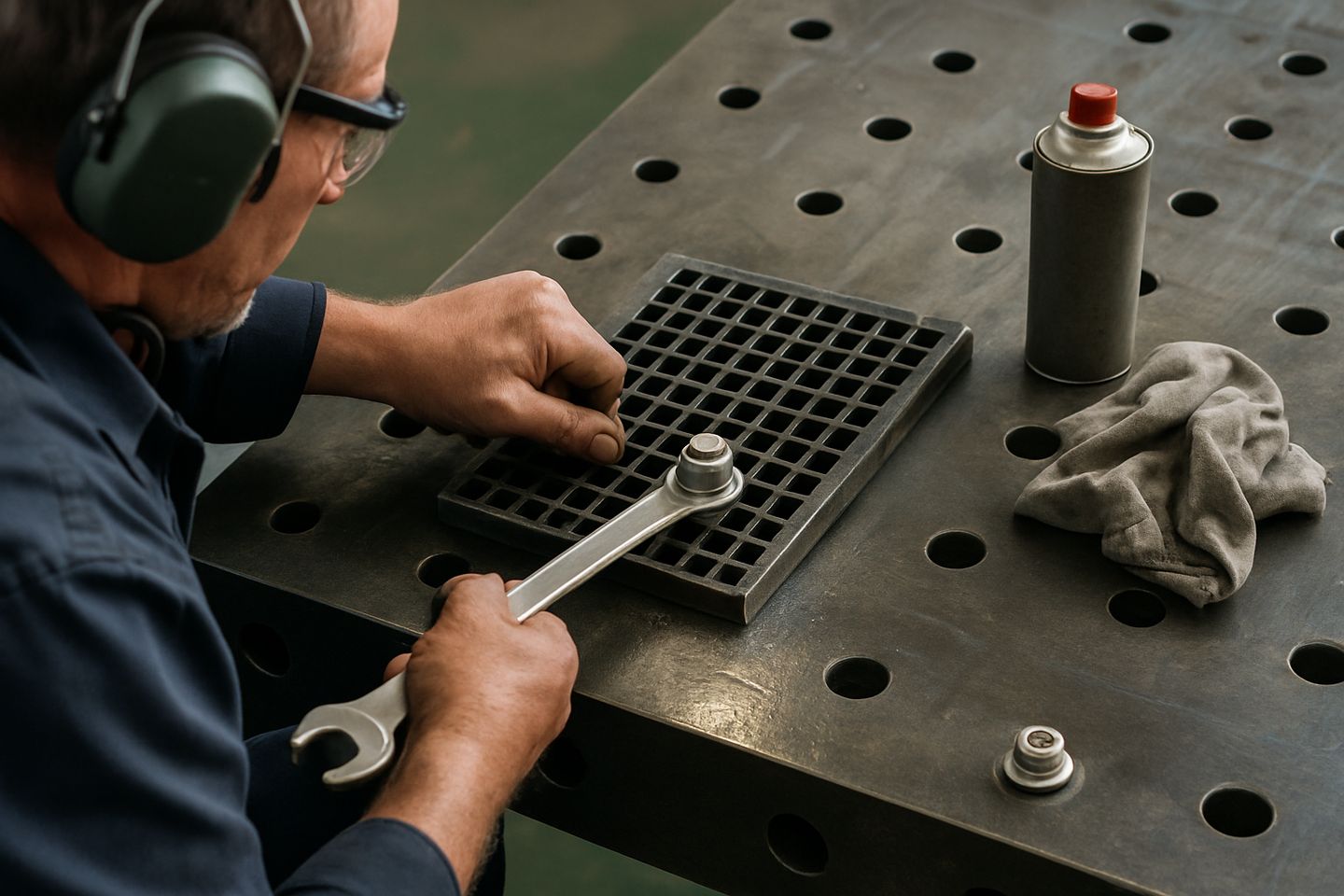
A little attention daily and weekly keeps your BenchMaster Pro working spot-on. Wipe the steel top with a clean rag before and after each shift, especially after grinding or cutting, to stop grit and metal dust building up. If you’re in a coastal area or during wet weather, use a light oil to keep corrosion away.
Check the dog-hole grid for blocked holes and sweep out swarf every week. Inspect the M10 earth studs monthly for tightness and any sign of heating. Every month, go over clamping surfaces for mushrooming or damage, and check the frame bolts for movement. Make sure nothing is bolted across the earth path.
- Wipe top and clear grit daily
- Oil bare steel weekly in humid/sea air
- Inspect earth studs and clamps every month
- Check frame bolts and clean dog holes
- Never weld directly to the bench top
Spotting problems early
If parts start slipping during setup or clamps feel loose, check for oil, rust or welding spatter on the top. An earth fault might show as poor arc starts or a buzzing return clamp. Watch for hot spots round the M10 studs, or if you notice any arc marks away from the weld zone.
When the bench rocks or vibrates, check the adjustable feet and frame bolts. If the top warps or seems high on one side, inspect for dropped tools or a heavy knock. Don't ignore sparks under the bench either, as they can start a fire if swarf builds up.
How to send us a message for support
If something’s off or you need help, send us a message using our contact form. The more detail you include, the quicker we can help you sort it out. Attach a few photos showing the gear, where the problem is, and any damage or changes you’ve noticed.
Tell us the gear family (BenchMaster Pro), what has changed (like loose earth or frame, bench not level, clamps not holding), and if there were any recent accidents or power cuts. Our team can guide you step by step, or arrange a site visit if needed.
- Send photos with the issue clear
- Describe what changed or failed
- Name the gear family
- Mention recent incidents (drops, tripped power, overloading)