
MeasureKit Fab fixtures
MeasureKit Fab fixtures add precision and repeatability to layout, weld inspection and batch work. Set up a disciplined measuring zone on any bay.
Which MeasureKit Fab fixtures fit and when to use each
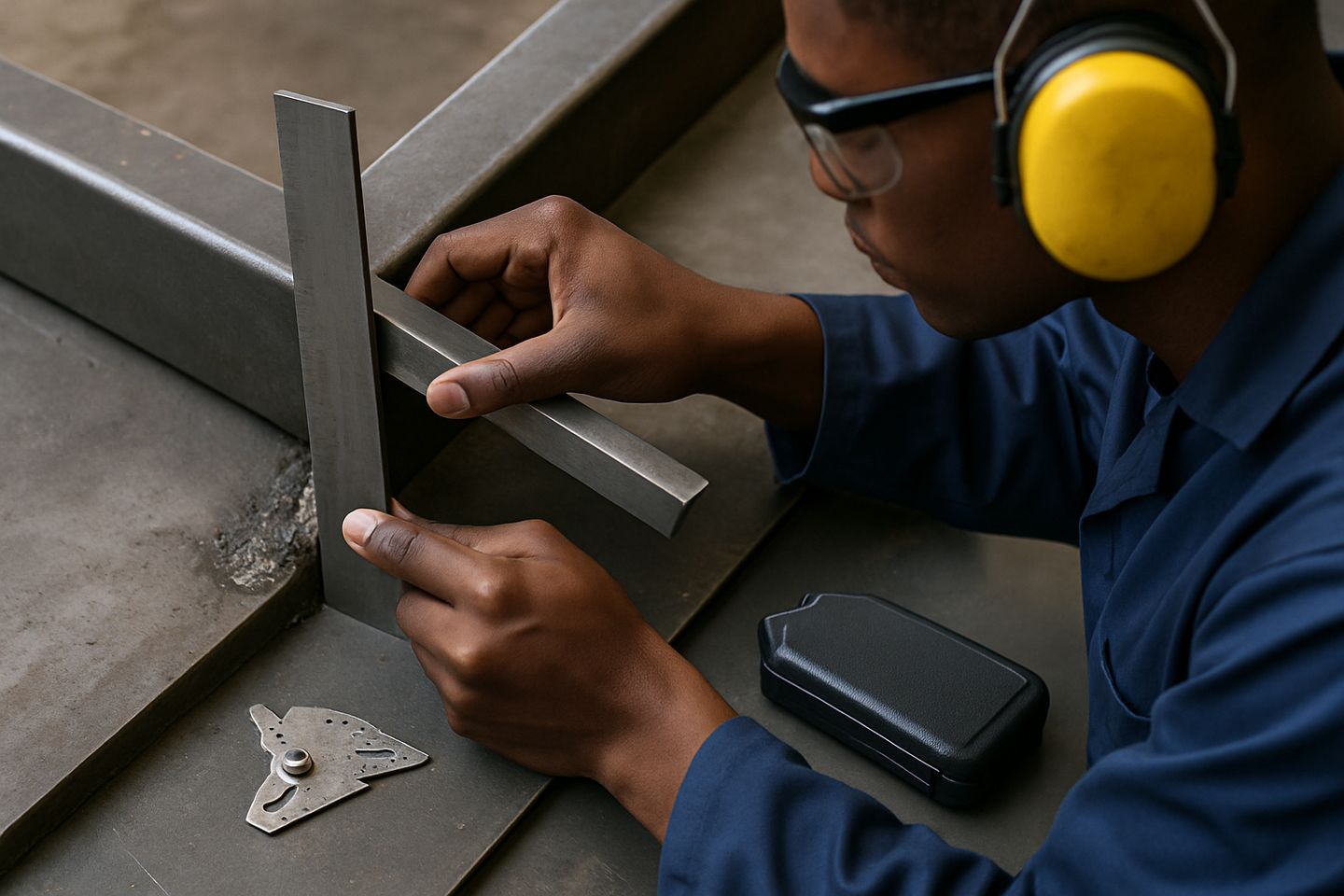
The core MeasureKit Fab kit comes with 150 and 300 millimetre callipers, combination and try squares, a fillet weld gauge set, and a fitted foam case with a shift log card. Fixtures and inserts expand this by adding consistency, especially when several people share the bay. Fillet weld gauges are essential for checking leg length and throat across runs and corners, cutting down disputes about weld size.
You can add a square fence kit to the bench or layout table for faster outside edge alignment, while the foam case keeps everything together between shifts. The fitted slots prevent lost or mixed-up gauges, which is common if you’re running more than one bay. Use the shift log card to record checks and handovers, especially during back-to-back shifts where its easy to lose track of which calliper or gauge was last checked.
- Fillet weld gauge set: for weld size checks
- Square fence kit: holds work to a true edge
- Foam case: keeps measuring tools organised
- Shift log card: records checks and handovers
How to set up a repeatable fixture arrangement for batch work
For batch work, start by mounting the square fence kit to your layout table or BenchMaster Pro. Check that the fence is square using both the 300 millimetre square and a fillet gauge at the corner. This is especially important when each job needs to match the last, such as in gate panels, brackets or signage strips. Mark out your stops on the table with recipe tags or low-tack tape so every operator can return to the same start point.
Keep the foam case within arm’s reach and return every tool after use. Standardise your sequence: check the workpiece first, then clamp, then measure again before welding. Document batch setups on your shift log card so day and night teams don't guess at settings. This habit makes sure your first and last piece in a run match up.
- Use recipe tags to mark batch setups
- Double-check fence squareness per shift
- Keep measuring tools in their foam slots
Fixture mistakes we see on South African floors
A common mistake is skipping the check on fillet weld leg length, especially under pressure to clear a backlog. Another is letting callipers or squares float around the bay, which leads to dings, loss, or the wrong tool being picked up mid-job. We often see foam cases half-empty, with tools in pockets or under offcuts, making it tough to track what’s been checked or is missing.
Some crews don’t update their shift log cards, so one operator assumes the calibration or fence setup was already checked. This trips up both training bays and busy small yards. Keep a habit of putting every fixture back in its place and logging checks, or you will spend more time looking for missing tools than fixing welds.
- Skipping weld size checks causes rework
- Lost gauges slow down fit-up and QA
- Unlogged setups mean inconsistent batches